Pulsara allows users to copy a patient to more than one incident. This feature is designed to support complex events where multiple incidents are created to manage different aspects—such as evacuation and repatriation missions.
Note: Stopped patient channels with wristbands will be scannable for 7 days after being stopped.
How to Copy a Patient to Another Incident
Go to the Target Incident
Navigate to the incident where the patient needs to be added.
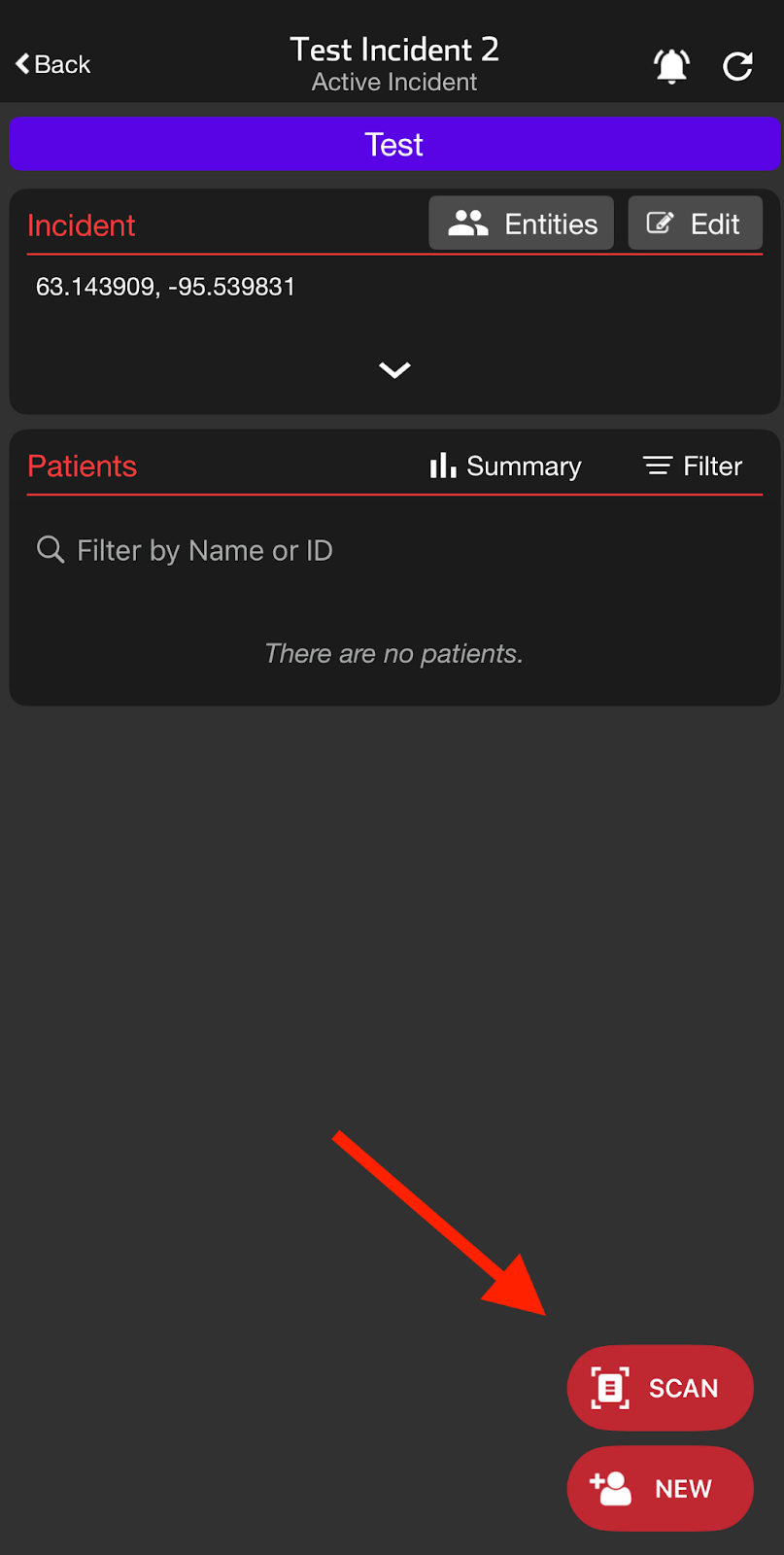
Scan the Patient’s Wristband
Use the “Scan” feature and scan the wristband (Configurable ID) assigned to the patient to create a copy.
Respond to the Prompt
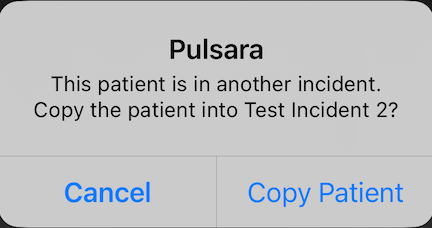
If the patient with that wristband exists in a different incident, a prompt presents the option to copy the patient into the current incident.
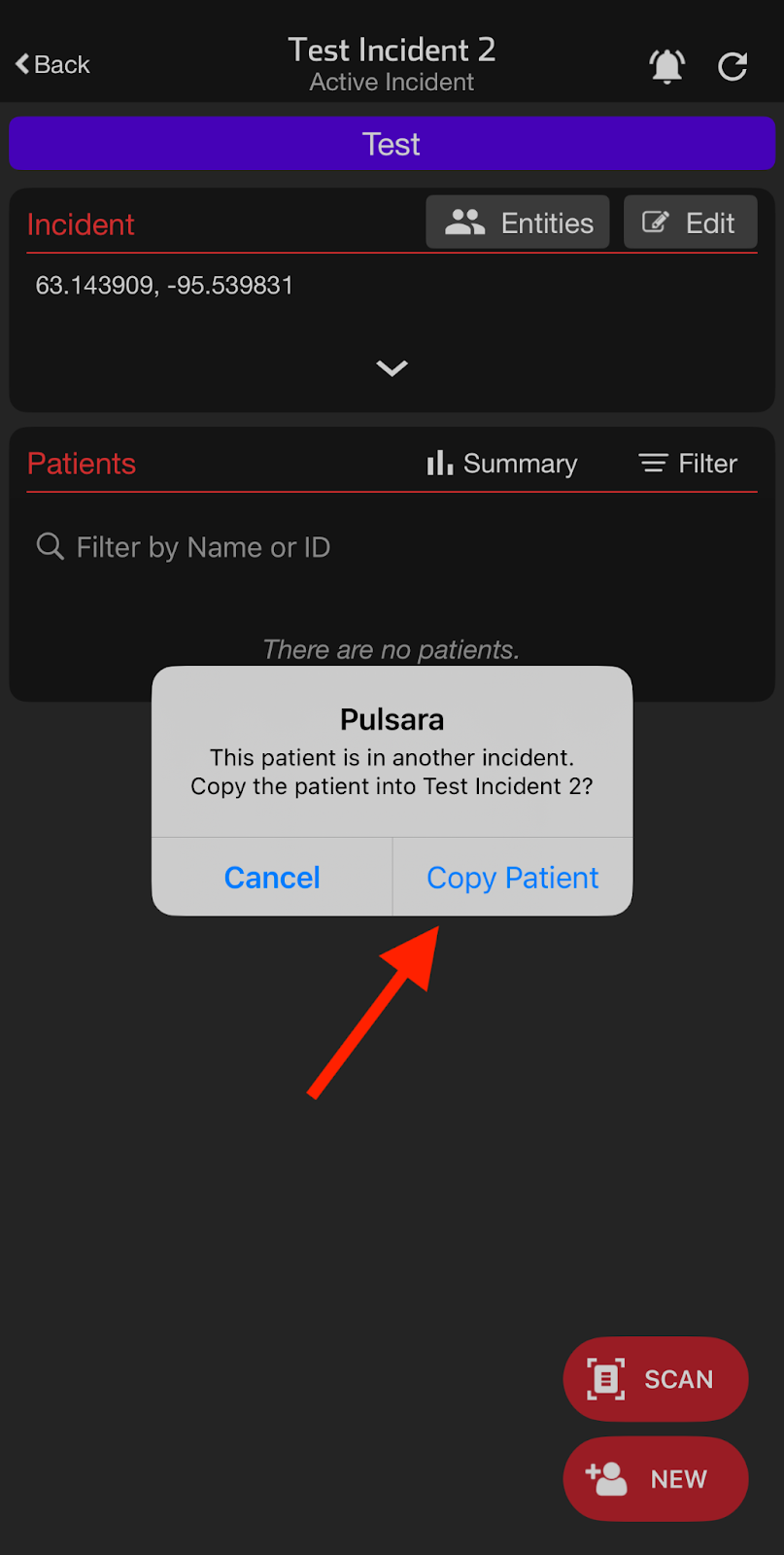
Copy the Patient
Select “Copy Patient.” A new patient record (copy) will be created in the current incident, carrying over relevant details from the original.
Note: If another user copies the same patient into the incident while the prompt screen is open, selecting “Copy Patient” will navigate directly to the already-created patient copy, preventing duplicates.
Access the Patient Copy
After copying, the new patient’s channel in the current incident will be navigated to automatically.
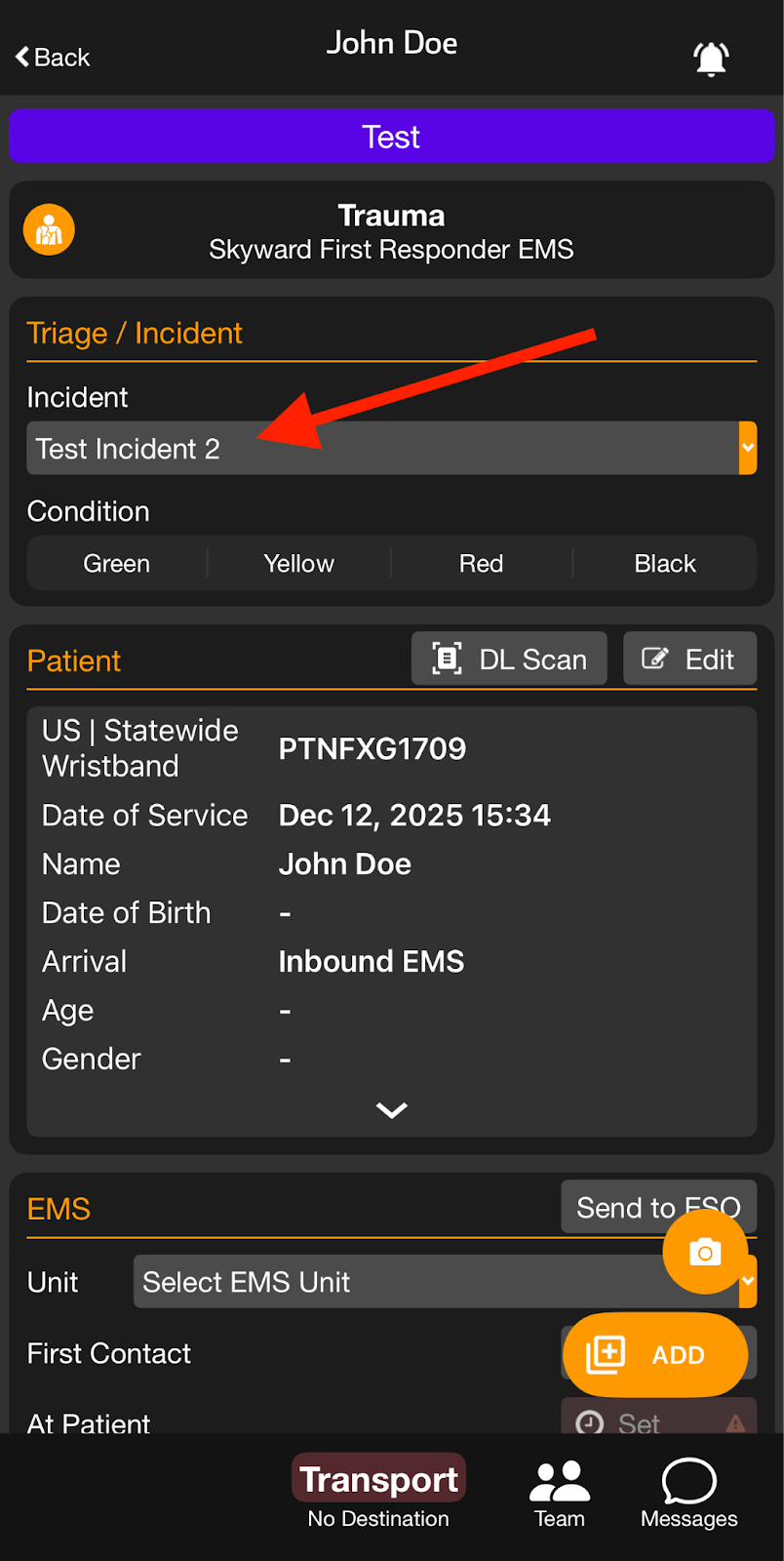
Scanning Behavior Scenarios
Single Patient With A Wristband Value Assigned
If the Patient is in a Different Incident
What happens:
If the patient whose wristband is being scanned is currently in a different incident than the one being scanned from, a prompt to copy the patient into the new Incident will be received.
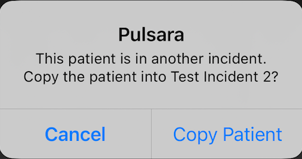
If “copy patient” is selected, a new patient copy is created in the new Incident.
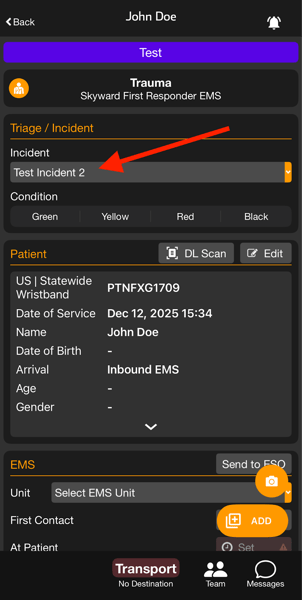
If the patient whose wristband is being scanned is already in the incident
What happens:
Scanning the wristband will open the patient’s channel directly in the current Incident.
If the Patient Isn’t in Any Incident
What happens:
Scanning the wristband from within an incident will result in a prompt to add the patient to the Incident.
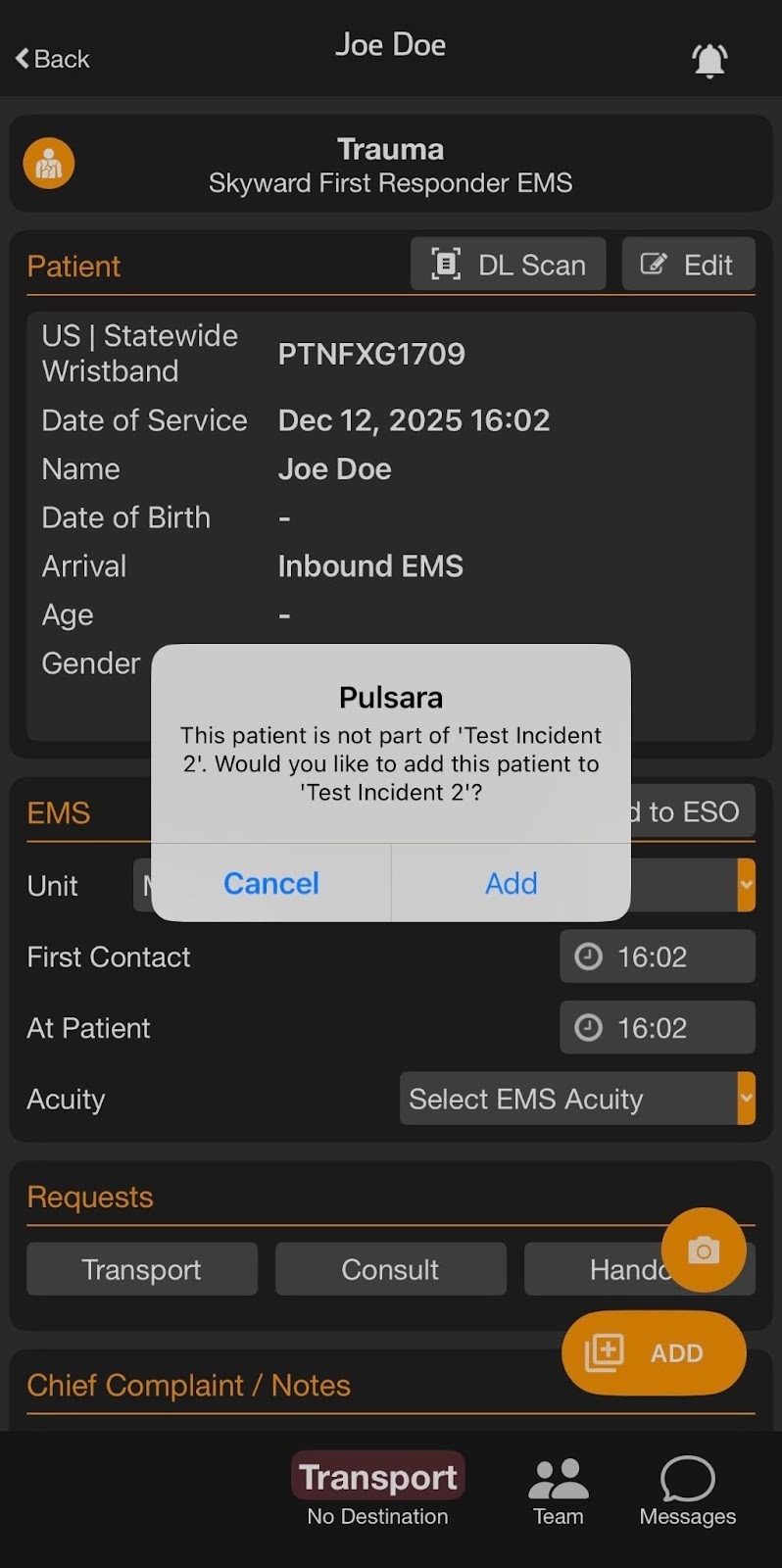
Multiple Patients with the Same Wristband Value
When Scanning from an Incident Patient List
What happens:
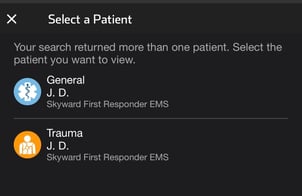
If there are multiple patients with the same wristband value, when scanning from an incident, only the patients in the incident with the matching wristband value will be displayed.
If none of the patients with the wristbands are currently associated to the incident, the list of matching patients will display, and a prompt to copy one in.
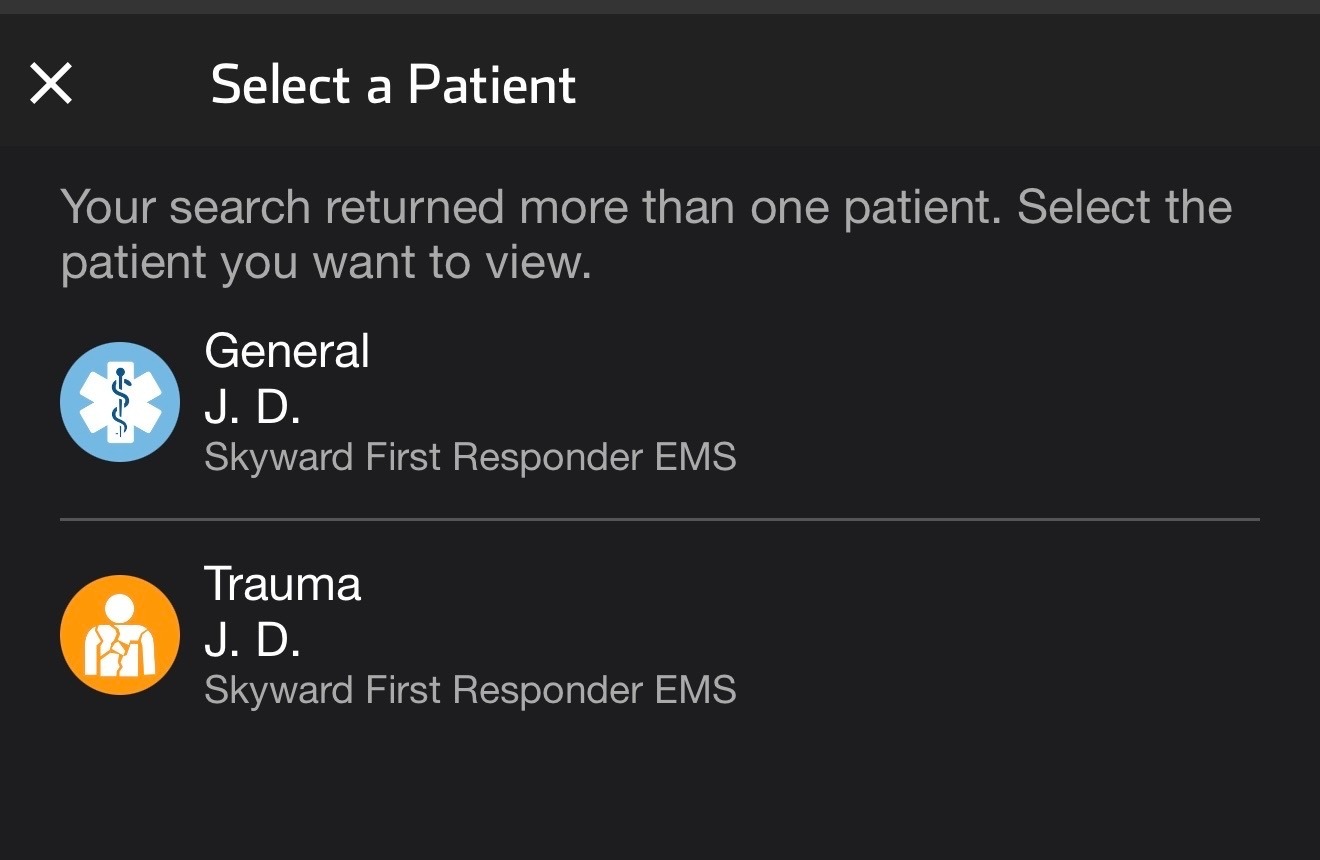
When Scanning from the Main Patient List
All of the patients with that wristband will be visible, regardless of the incident.